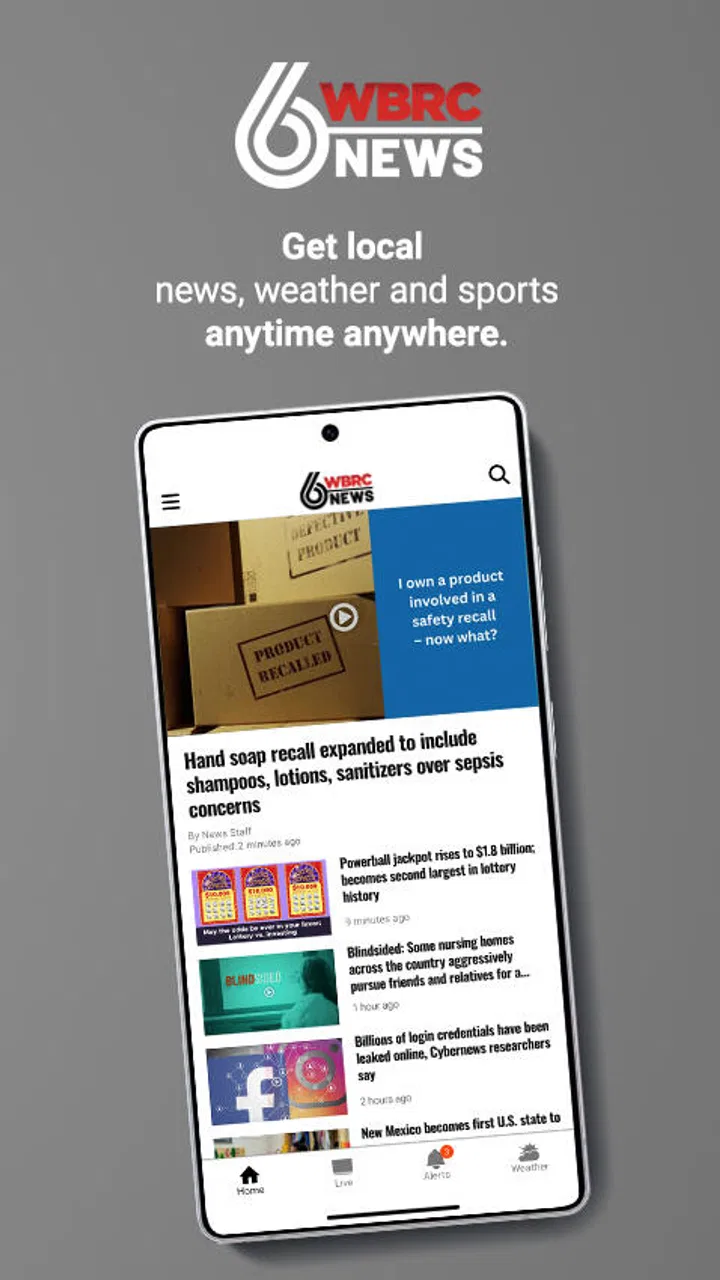
WBRC 6 News
- 3.6
- Rating
- 100.00K
- Installs
- Free
- Price

 Analysis by App-foxy
When I want a quick sense of what is happening around central Alabama, I would rather open a local newsroom app than sort through a national feed filled with stories that have little effect on my day. That is the role WBRC 6 News tries to fill. It is a free News & Magazines app from Gray Media, focused on local reporting and weather for the region served by WBRC. I found its value less in replacing every news source on my phone and more in giving me a direct starting point when local conditions matter.
The app is aimed at an Everyone audience, so it is easy to recommend for a household that wants a straightforward local news option. It has been available since July 12, 2011, and its long presence gives it the feel of an established companion rather than a temporary experiment. With over one hundred thousand installs, an average rating of 3.6, and roughly two thousand nine hundred ratings, the public response is mixed but substantial enough to suggest that many people use it as part of their daily routine.
From a local concern to a useful answer
I begin with the practical question behind opening WBRC 6 News: what local information could change my plans today? This section looks at how a focused central Alabama source can turn that concern into a useful next step, while keeping the difference between a quick check and a fully informed decision in view.
You May Also Like

 Blood Strike: 2.5 Anniversary
Blood Strike’s Loadouts Turn Every Drop Into a Tactical Gamble
A close look at Blood Strike’s custom loadouts: how fast access to signature weapons reshapes its battle royale rhythm, rewards preparation, and narrows the gap between fights.

 Pandora - Music & Podcasts
Pandora’s Music Is Easy to Start, but Harder to Recover
Pandora’s strength is its low-effort path from a seed to a station. Its weak spot is how much confidence it asks you to place in connection, setup, and quiet recovery.

 8 Ball Pool
 Is Built on Rivalries, Rematches, and Routine
A close look at the rivalries, rematches, shared routines, and unanswered safety questions that turn a quick pool match into a persistent mobile community.

 Samsung Music
’s Quiet Strength Is Playing What You Already Own
Its reach comes less from spectacle than from dependable access to a personal library. That simplicity is both the app’s strongest retention engine and its ceiling.

 AccuWeather: Weather Radar
AccuWeather Review: A Quick, Clear Forecast for Everyday Decisions
For everyday plans, the best forecast is the one you can understand quickly. AccuWeather makes rain timing, radar, and local conditions easy to act on, with a few trade-offs.

 Hill Climb Racing
Why Hill Climb Racing Still Turns Crashes Into One More Run
A tiny car, a bumpy hill and one more upgrade: Hill Climb Racing keeps resurfacing because its simple chaos makes every near-miss feel personal.
More From Our News Desk



Starting with the question that brought me there
My most realistic use case is not leisurely browsing. It is the moment before leaving home when I need to know whether weather could affect a drive, whether a local event has changed plans, or whether a developing story is close enough to deserve attention. In that situation, a central Alabama-focused app makes more sense than opening a broad national news application and searching manually for the right place.
I start with a simple question: what is happening locally right now? That question can lead in two directions. If the concern is immediate conditions, the weather coverage is the natural first stop. If it is a community event, public safety matter, traffic-related development, or another regional story, the news side is more appropriate. Keeping those needs together is the app’s clearest practical strength.
This focus also sets an expectation. I do not open it looking for a deep national analysis, a large international section, or an all-purpose magazine experience. I open it because local relevance is more useful than volume when the decision in front of me concerns central Alabama.
Following the flow instead of chasing headlines
In everyday use, I treat the app as a short check-in. I open it, scan the most visible local stories, and decide whether one deserves a closer read. That workflow is more efficient than jumping between a national news app, a weather service, and a search engine. The important handoff happens in my own head: a headline becomes a reason to investigate, while a weather update becomes a reason to change a plan.
For example, imagine I am preparing for an evening drive. I first look for the latest weather information, then read any nearby local story that could affect the route or timing. If the situation seems relevant, I pass the information to the person traveling with me through whatever messaging method I normally use. The app does not need to become the entire communication system; it simply supplies the local context that starts the conversation.
That is one of the less obvious strengths of a station-specific news app. Its usefulness is often measured in minutes saved, not in how long I remain inside it. A broad feed may show more items, but the extra choice can slow down the decision. Here, the regional emphasis narrows the first step.
How I decide which story deserves attention
I do not assume that every headline has the same urgency. A local news app can contain a mixture of immediate developments, community reports, weather information, and stories that are interesting without requiring action. My approach is to read the headline for location first, then timing, and only afterward the details. That prevents me from treating an older or distant item as something that changes my plans immediately.
This is also where I would advise new users to avoid relying on a single glance. A headline is useful for triage, but the article itself is where the context lives. If I am deciding whether to travel, cancel an outdoor plan, or alert someone else, I want to read beyond the first line and check whether the story actually applies to my area.
The app works best when I use it as a local filter rather than an automatic decision-maker. It helps me identify what deserves attention, but I still need to judge how current and relevant the information is to my particular situation.
The handoff between news and weather
News and weather are closely connected in central Alabama, especially when conditions can affect roads, schools, events, or work schedules. The practical workflow is therefore not always “read one article and leave.” I may begin with weather, move to a local report for context, and then return to the forecast before making a decision. That back-and-forth is more useful than treating the two areas as unrelated sections.
A helpful habit is to use the weather information to frame the news rather than the other way around. If I see a weather concern, I look for local coverage that explains its impact. If I encounter a local report involving travel or outdoor activity, I check the weather before acting. This creates a simple input-to-outcome chain: current conditions lead to local context, local context leads to a personal choice.
That chain is particularly useful for families. One person can check the app, summarize the relevant point, and hand the decision to the rest of the household. The app becomes a shared reference rather than something everyone must browse independently.
What the developer and format suggest about expectations
Gray Media is the developer behind the app, and the WBRC identity makes its purpose clear: this is a local station companion, not a neutral archive of every possible source. That distinction matters when deciding whether it belongs on a phone. I would choose it for regional awareness and weather-related checking, while keeping another source available for broader coverage or a second perspective.
Because it is free, the barrier to trying it is low. I can install it without turning the decision into a subscription commitment, which makes it reasonable for someone who is curious about local coverage but has not yet developed a routine. The free model also means I judge it primarily on clarity, relevance, and reliability of the daily experience rather than on premium tools.
Where the workflow becomes less comfortable
The first limitation is scope. If I want a wide national overview, international reporting, business coverage, or a carefully organized archive across many subjects, this is not the app I would use as my only news source. Its local focus is the reason to install it, but that same focus makes it narrower than a general news reader.
The second limitation is that a station app may not match the habits of someone who prefers to build a completely personalized feed. A general aggregator can combine many publishers and topics in one place. That can be convenient for readers who want control over every subject they see. With WBRC 6 News, I accept a more defined editorial path in exchange for a stronger local orientation.
The public rating of 3.6 reflects that this will not be a perfect experience for everyone. I would interpret that number as a reason to test the app against my own routine rather than as an automatic rejection. If local news and weather are frequent needs, the regional focus may outweigh occasional friction. If I rarely need central Alabama coverage, even a decent local app may not earn a permanent place on my home screen.
Practical situations where it earns its place
One useful scenario is a morning commute. I can check local weather first, scan for a nearby development, and decide whether I need extra time or a different plan. The important outcome is not that I consumed a large amount of news; it is that I made a more informed choice before leaving.
Another is planning an outdoor afternoon. Weather information gives me the first signal, while local reporting may add context about conditions or community activity. I can then pass a concise update to friends or family. This workflow is especially helpful when not everyone wants to maintain several separate news and weather apps.
A third use is staying connected after moving away from the area. Someone who has family, property, or ongoing responsibilities in central Alabama may not need a national local-news network. A focused station app can provide a convenient way to check the region without manually searching for it each time.
There is also value in using it as a conversation starter. I may see a local item that affects a neighborhood, workplace, school-related plan, or event. I can read the details, decide whether it affects someone I know, and then hand the information to them. The app’s role ends at the point where the person has enough context to verify the situation or make a decision.
Who should choose it, and who should skip it
I would recommend WBRC 6 News to central Alabama residents who want a direct local news and weather check without paying for access. It is also a sensible option for people who value a station-centered source and prefer local relevance over a huge, constantly changing national feed.
I would be more cautious about recommending it to someone outside the region, unless they have a personal reason to follow central Alabama. I would also suggest a broader news app for readers who want national and international stories organized alongside local coverage. For people who demand extensive customization, multiple viewpoints in one interface, or a single app covering every topic, the usual aggregator may be a better fit.
That does not make the local app inferior. It means the choice depends on the starting condition. If the starting condition is “I need to know what is happening around central Alabama,” its narrowness is an advantage. If the starting condition is “I want a complete daily news universe,” its narrowness becomes the main drawback.
My final result after using the workflow
My overall impression is that WBRC 6 News succeeds when I use it with a clear purpose: open it, check local developments or weather, read enough context to understand the situation, and carry that information into a real decision. It is not designed to replace every other source on a phone, and I would not treat it as one.
The most useful result is a shorter path from concern to local awareness. Instead of starting with a crowded general feed, I begin with a source built around central Alabama. That makes the first check faster and more relevant, particularly on days when weather or a nearby event could change my plans.
Still, I would keep expectations realistic. The app’s value depends on being in its coverage area and caring about station-focused reporting. Readers who want breadth should pair it with a broader news source, while readers who want only highly personalized feeds may prefer an aggregator. For local awareness, its focused workflow is the reason to try it; for everything else, that same focus is the boundary.
At no cost and with an Everyone age rating, it is easy to test as part of a morning or evening routine. I would install it if central Alabama news and weather affect my day, then judge it by one simple question: does it help me move from “what is happening?” to “what should I do next?” In my experience, that is where this app makes the strongest case for itself.
FAQs for WBRC 6 News
01What is the WBRC 6 News app used for?
The WBRC 6 News app is designed to keep users informed about news in Birmingham, central Alabama, and surrounding communities. It typically provides breaking news alerts, local and national headlines, weather forecasts, live updates, video reports, traffic information, and sports coverage. The layout is focused on quick access to developing stories, making it useful for checking important updates while away from a television or computer.
02Does the WBRC 6 News app provide live news and weather coverage?
Yes, the app may provide live newscasts, live streams, breaking-news coverage, and weather-related updates, depending on the station’s schedule and your location. Weather features can include current conditions, hourly forecasts, extended forecasts, radar imagery, and severe-weather alerts. Availability may vary because some broadcasts or videos can be restricted by regional rights, technical issues, or station programming changes.
03Can I receive breaking-news and severe-weather notifications?
The WBRC 6 News app generally supports push notifications for important local stories, severe weather, school or community announcements, and other urgent developments. During setup, you can usually choose whether to allow notifications. Enabling them is helpful during tornado watches, storms, or major breaking events, but users who prefer fewer interruptions should review the notification settings and disable categories they do not need.
04Is the WBRC 6 News app free to download and use?
The app is generally available as a free download for compatible Android and iOS devices. Most news articles, forecasts, alerts, and videos can typically be accessed without a subscription, although mobile data charges may apply when using cellular networks. Certain content, live streams, or third-party features may have separate limitations, so users should check the current store listing and the app’s terms before downloading.
05Does WBRC 6 News require location access or an account?
Some features may work without creating an account, including reading many articles and viewing general news coverage. Location access can improve the experience by showing forecasts, radar information, and alerts for your area, but it is usually optional and can be managed through your device’s privacy settings. If you prefer not to share your location, you may still use manually selected locations where the app supports that option.
Pros
- Live local news
- weather updates
- and breaking alerts in one app.
- Easy access to recent broadcasts and on-demand news videos.
- Useful radar and forecast tools for planning your day.
- Covers local stories relevant to the WBRC viewing area.
- Free to download with a simple
- familiar news layout.
Cons
- Some video reports may load slowly on weaker connections.
- Frequent notifications can feel excessive unless adjusted in settings.
- Advertising can interrupt browsing and video playback.
- Coverage is mainly regional and less useful outside the WBRC area.
- Some features may require location access to work properly.

WBRC 6 News
Gallery